

Why Bottlenecking Matters More Than Ever
If you’ve ever upgraded your PC and felt disappointed because performance didn’t improve as much as expected, chances are you ran into bottlenecking. Bottlenecking is one of the most misunderstood concepts in PC hardware, yet it plays a huge role in how well your system performs—especially in gaming.
In modern PCs, components are far more powerful than they used to be, but they’re also more specialised. When one part of your system can’t keep up with another, performance is held back. Understanding bottlenecking helps you build balanced PCs, make smarter upgrades, and avoid wasting money.
This article explains what bottlenecking is, how it affects performance, how to identify it, and how to avoid it.
🧠 What Is Bottlenecking?
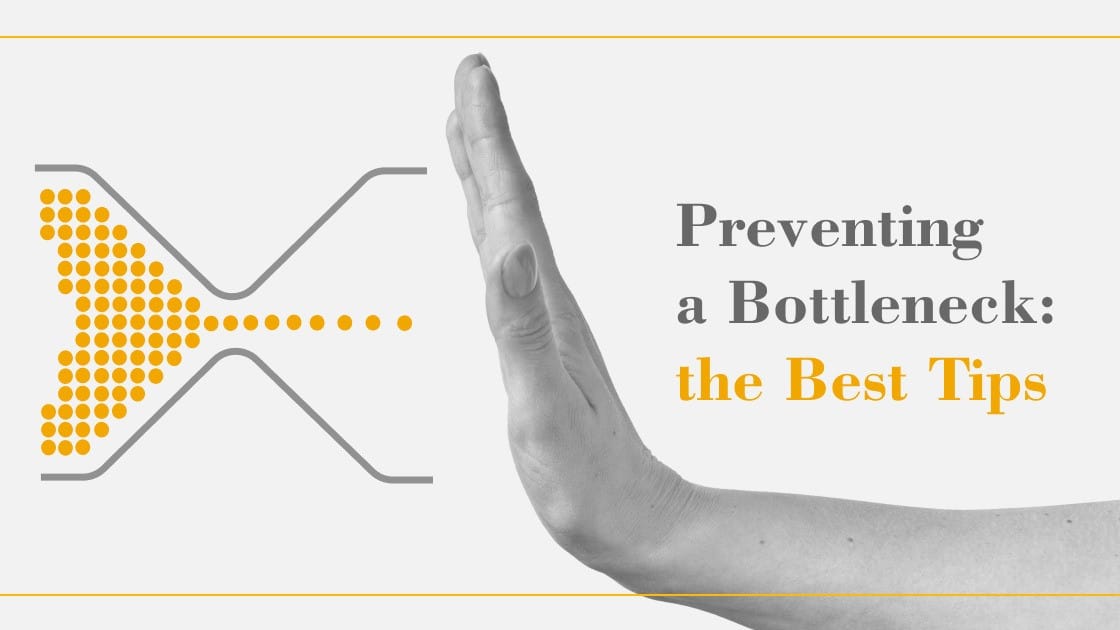
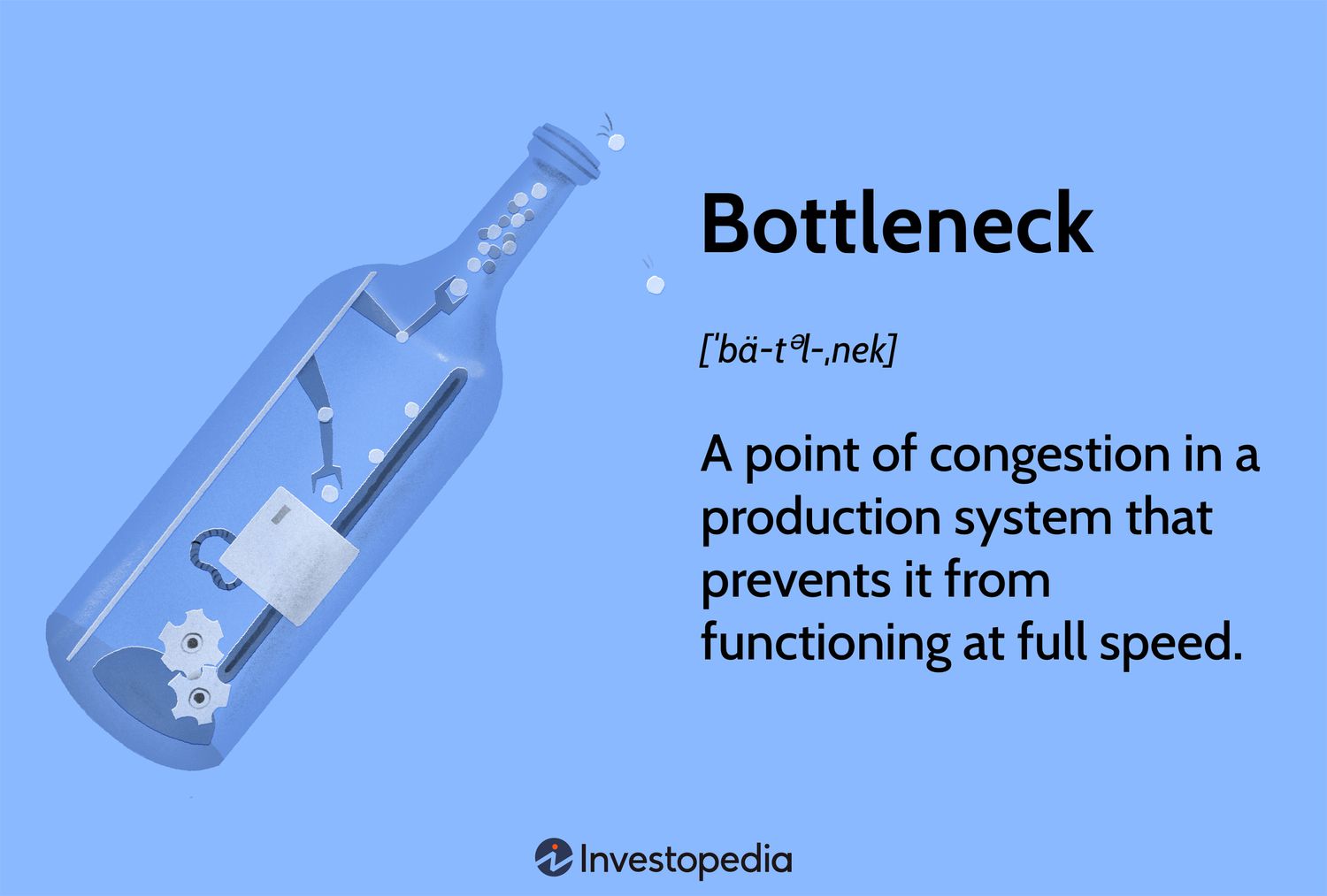
Bottlenecking happens when one component in a PC limits the performance of another, preventing the system from reaching its full potential.
Think of a PC like a highway:
-
If one lane is narrow, traffic slows down—even if the rest of the road is wide and fast.
-
In a PC, that “narrow lane” could be the CPU, GPU, RAM, storage, or even cooling.
When a bottleneck exists, the faster components sit idle while waiting for the slower one to catch up.
🎮 The Most Common Type: CPU vs GPU Bottleneck
🔹 CPU Bottleneck
A CPU bottleneck occurs when the processor can’t keep up with the graphics card.
Symptoms:
-
GPU usage stays low (50–70%)
-
CPU usage hits 90–100%
-
Low FPS even with a powerful GPU
-
Frame drops and stuttering, especially in busy scenes
Common causes:
-
Old or weak CPU paired with a modern GPU
-
Games that rely heavily on single-core performance
-
Low resolutions like 1080p with a very strong GPU
CPU bottlenecks are very common in esports games, simulation games, and open-world titles with lots of AI and physics.
🔹 GPU Bottleneck
A GPU bottleneck occurs when the graphics card is the limiting factor.
Symptoms:
-
GPU usage near 95–100%
-
CPU usage remains moderate
-
FPS improves when lowering graphics settings
-
Stable performance without stutter
This is actually the ideal scenario for gaming. It means your GPU is being fully utilised.
🧩 Other Types of Bottlenecks
Bottlenecking isn’t just about CPU and GPU. Other components can also limit performance.
💾 RAM Bottleneck
When it happens:
-
Not enough RAM (e.g. 8GB in modern games)
-
Single-channel memory instead of dual-channel
-
Very slow RAM speeds
Symptoms:
-
Stuttering and hitching
-
Long load times
-
Games crashing or freezing
-
High RAM usage (90–100%)
Solution:
-
16GB minimum for gaming
-
32GB for multitasking or creation
-
Use dual-channel RAM whenever possible
💽 Storage Bottleneck
When it happens:
-
Running games on HDDs instead of SSDs
-
Slow SATA SSDs in modern open-world games
Symptoms:
-
Long loading screens
-
Texture pop-in
-
Stutters when entering new areas
Solution:
-
Install games on an SSD
-
NVMe SSDs are ideal for modern titles
❄️ Thermal Bottleneck (Thermal Throttling)
Even powerful hardware can bottleneck if it overheats.
Symptoms:
-
Performance drops over time
-
CPU or GPU clocks suddenly decrease
-
Loud fans
-
System instability
Causes:
-
Poor cooling
-
Dust buildup
-
Cheap CPU coolers
-
Poor case airflow
Solution:
-
Improve airflow
-
Upgrade cooling
-
Clean your PC regularly
🔌 Power Supply Bottleneck
A weak or low-quality PSU can also limit performance.
Symptoms:
-
Random shutdowns
-
GPU not boosting properly
-
Crashes under load
Solution:
-
Use a quality PSU with enough wattage
-
Avoid cheap, generic power supplies
🕹️ Why Bottlenecks Affect Games Differently
Not all games stress your PC in the same way.
CPU-Heavy Games
-
Strategy games
-
Simulation games
-
MMOs
-
Open-world games with many NPCs
These games are more likely to cause CPU bottlenecks.
GPU-Heavy Games
-
AAA single-player games
-
Ray-traced titles
-
High-resolution gaming (1440p / 4K)
These games usually cause GPU bottlenecks—which is normal and expected.
Resolution Matters
-
1080p: More CPU-dependent
-
1440p: Balanced CPU/GPU load
-
4K: Mostly GPU-dependent
Higher resolutions shift the load from CPU to GPU, often reducing CPU bottlenecks.
🔍 How to Identify a Bottleneck
1️⃣ Monitor Usage
Use software like:
-
Task Manager
-
MSI Afterburner
-
HWInfo
Watch:
-
CPU usage per core
-
GPU usage
-
RAM usage
-
Temperatures
2️⃣ Change Settings
-
Lower graphics → If FPS increases a lot, GPU bottleneck
-
Lower resolution → If FPS barely changes, CPU bottleneck
3️⃣ Watch Frame Times
Smooth frame times = healthy system
Spikes and drops = possible bottleneck or stutter
❌ Common Bottleneck Myths
❌ “Any bottleneck is bad”
False. A GPU bottleneck is normal and desirable in gaming.
❌ “Online bottleneck calculators are accurate”
They are rough estimates at best. Real-world performance varies by game, resolution, and settings.
❌ “You must upgrade everything”
Often one upgrade (RAM, SSD, cooling) solves the issue.
🧠 How to Avoid Bottlenecking When Building a PC
⚖️ 1. Build Balanced Systems
Match component tiers:
-
Mid-range CPU with mid-range GPU
-
High-end GPU with strong CPU
Avoid pairing:
-
Old CPUs with new GPUs
-
Weak cooling with powerful CPUs
🎯 2. Choose the Right Resolution
-
1080p → stronger CPU
-
1440p → balanced
-
4K → stronger GPU
Your monitor choice directly affects bottlenecks.
💾 3. Don’t Skimp on RAM and Storage
-
16GB RAM minimum
-
SSD for OS and games
-
Dual-channel memory
❄️ 4. Invest in Cooling
Good cooling prevents thermal throttling and protects performance.
🔌 5. Use a Quality PSU
Stable power ensures components can boost properly.
🔄 How to Fix an Existing Bottleneck (Without Rebuilding Everything)
If CPU-Bottlenecked:
-
Increase resolution or graphics settings
-
Upgrade CPU
-
Close background apps
-
Improve cooling
If RAM-Bottlenecked:
-
Add more RAM
-
Enable XMP/EXPO
-
Switch to dual-channel
If Storage-Bottlenecked:
-
Move games to SSD
-
Upgrade to NVMe
If Thermal-Bottlenecked:
-
Replace thermal paste
-
Improve airflow
-
Upgrade cooler
🏗️ Bottlenecks and Future-Proofing
Hardware evolves fast, and bottlenecks change over time:
-
New games demand more CPU threads
-
Ray tracing increases GPU load
-
Storage speeds matter more every year
Future-proofing means:
-
Buying balanced hardware
-
Leaving upgrade room
-
Avoiding extreme mismatches
🎯 Conclusion: Bottlenecking Isn’t the Enemy—Imbalance Is
Bottlenecking is a normal part of PC performance, not a flaw. The goal isn’t to eliminate bottlenecks entirely—it’s to control where they happen.
A healthy gaming PC usually has:
-
GPU near full usage
-
CPU with headroom
-
Adequate RAM and fast storage
-
Stable temperatures and power
Understanding bottlenecking helps you:
-
Build smarter PCs
-
Upgrade efficiently
-
Avoid wasted money
-
Get the most performance from your hardware