

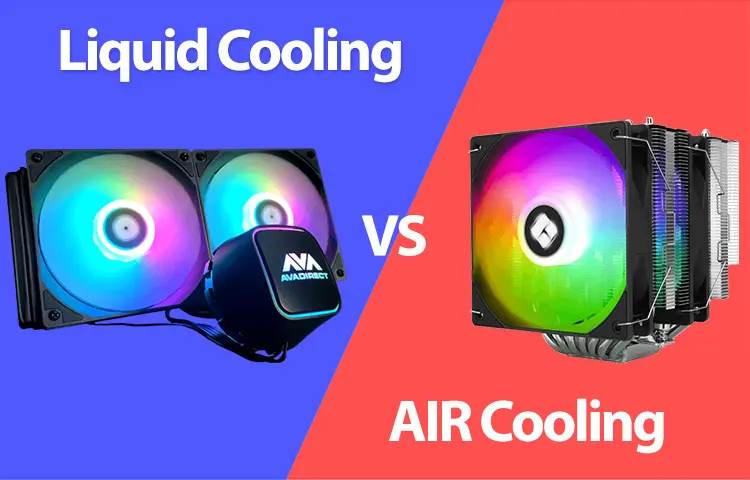
This guide explains what air coolers and liquid coolers actually do, where each one shines, and how to pick the right cooling system for your PC in 2025.
How PC Cooling Works (Quick Explanation)
Both air and liquid coolers do the same core job:
-
Move heat away from the CPU (via a cold plate contacting the CPU)
-
Transport that heat to a larger surface area (heatsink fins or radiator)
-
Dissipate the heat using airflow (fans pushing air through fins)
A key truth many people miss: AIO liquid cooling still relies on air cooling at the radiator. The “liquid” part just moves heat to a different place in your case (top/front radiators), which can help with thermals and case layout.
What Is Air Cooling?
Air cooling uses:
-
A metal heatsink (usually aluminium fins + copper heatpipes)
-
One or two fans attached to the heatsink
Heat travels from the CPU into the heatpipes, spreads into the fin stack, and the fans push air through the fins to remove that heat.
Why air cooling is popular in 2025
Air coolers are simple, effective, and have very few failure points. If a fan dies, you can replace it cheaply without replacing the whole cooler.
What Is Liquid Cooling?
There are two main types:
1) AIO (All-In-One) liquid cooling (most common)
AIOs are sealed units that include:
-
Pump + cold plate
-
Tubes filled with coolant
-
A radiator + fans
You mount the radiator to the case (top or front), and the pump circulates coolant to move heat from the CPU to the radiator.
2) Custom water cooling loops (enthusiast)
Custom loops can cool CPU + GPU and look amazing, but they require maintenance and aren’t necessary for most people.
This article focuses mainly on air coolers vs AIOs, since those are what most builders choose in 2025.
Performance: Which Cools Better?
Air cooling performance in 2025
High-end air coolers have become extremely competitive. Many dual-tower air coolers can handle demanding CPUs very well—especially if the case airflow is strong.
Air cooling is often “good enough” even for powerful gaming CPUs because modern games rarely pin the CPU at maximum power draw constantly.
Liquid cooling performance in 2025
AIO liquid coolers can outperform air coolers, especially:
-
360mm and 420mm radiators
-
Sustained heavy loads (long renders, stress tests)
-
Hot-running CPUs pushed to high power limits
This matters because some modern CPUs can draw a lot of power under boost. For example, Intel “K” CPUs commonly reference a 253W maximum turbo power (PL2) in standard guidance, which is a real cooling challenge for many systems.
The practical takeaway
-
If you’re running a midrange CPU (or you’re not pushing power limits), a good air cooler can be excellent.
-
If you’re running a high-power CPU (and you actually sustain heavy workloads), a larger AIO can provide more thermal headroom.
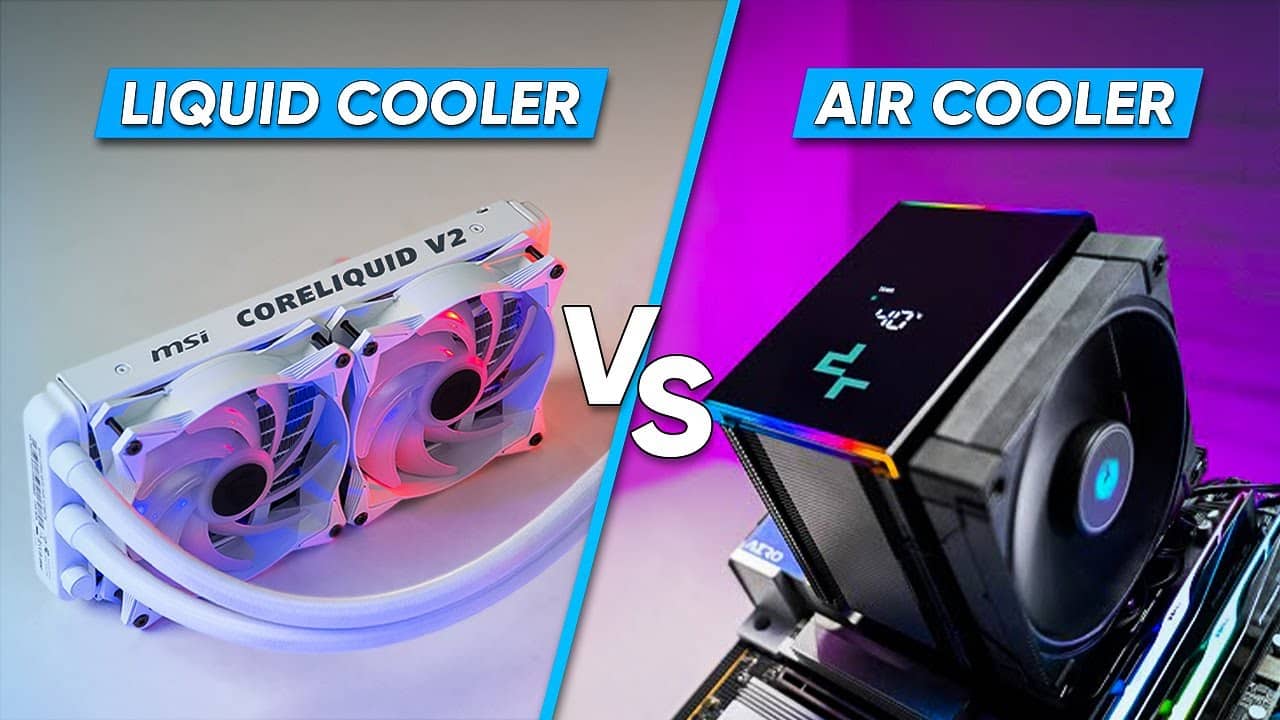
Noise: Which Is Quieter?
Noise depends more on fan quality and fan speed than “air vs liquid” in isolation—but there are real patterns:
Air cooler noise
Air coolers often use 1–2 larger fans on a dense fin stack. Under typical gaming loads, a strong air cooler can stay quiet because the fans don’t need to ramp aggressively.
AIO noise
AIOs have fan noise plus pump noise. Even a high-quality AIO pump adds a baseline hum/whirr (though many are very quiet). Under heavy load, radiator fans may spin faster than air-cooler fans—especially with smaller radiators.
Quick rule
-
For simple quiet builds, air cooling often wins because there’s no pump.
-
For high-heat CPUs, a larger AIO can be quieter than air if it spreads heat across a big radiator and doesn’t need high RPM.
Reliability and Lifespan: What Lasts Longer?
This is where air cooling usually wins in the real world.
Air cooling reliability
Air cooling is mechanically simple:
-
heatsink (metal)
-
fans (replaceable)
A heatsink can last essentially forever. Fans can be replaced cheaply.
AIO reliability
AIOs are sealed and convenient, but they have more failure points:
-
pump wear (mechanical part)
-
potential for coolant permeation over time
-
eventual performance decline as coolant volume changes
It’s widely discussed that AIOs are not “forever” parts—many sources and experienced builders cite roughly 5–7 years as a common lifespan range depending on quality and usage.
That doesn’t mean AIOs are bad—just that they’re more like a “replace after some years” component than a lifetime heatsink.
Risk: Are Leaks a Real Concern in 2025?
Modern AIOs are much more reliable than early generations, and leaks are relatively uncommon—especially from reputable brands. Still, the risk is not zero.
Air coolers have essentially no leak risk, so if you want the lowest-risk option, air cooling is the safer bet.
Cost and Value: Which Makes More Sense?
Air cooling costs
Air coolers usually offer better value:
-
Great performance for the money
-
Long lifespan
-
Minimal maintenance
AIO costs
AIOs typically cost more, especially:
-
360mm and 420mm models
-
LCD-screen models and RGB-heavy units
That said, AIOs can justify the price if:
-
you need the extra thermal headroom
-
you want the cleaner look
-
your case layout benefits from moving heat to a radiator location
(And in 2025, AIOs with screens and aesthetics remain popular—cooling has become part performance, part “build style.”)
Compatibility and Clearance: What Fits Better?
Air cooler clearance issues
Large air coolers can block:
-
tall RAM heatsinks
-
access to motherboard connectors
-
certain smaller cases
AIO clearance issues
AIOs avoid RAM clearance problems, but you must consider:
-
radiator thickness
-
GPU length conflicts (front-mounted radiators)
-
top clearance with motherboard heatsinks/VRM shrouds
If you’re building in a compact case, the “best” option often comes down to what physically fits.
Which Should You Choose in 2025?
Here are the simplest recommendations that work for most people:
Choose air cooling if you want:
-
Best reliability and lifespan
-
Great value
-
Low maintenance
-
Quiet operation without pump noise
-
A “set it and forget it” build
Best for: most gaming PCs, budget/midrange builds, long-term reliability builds.
Choose an AIO liquid cooler if you want:
-
Cleaner aesthetics (less bulk around the CPU socket)
-
Extra cooling headroom (especially 360mm+)
-
Potentially lower CPU temps under heavy sustained loads
-
Better handling of very high power CPUs at stock/unlocked power limits
Best for: high-end CPUs, heavy workloads (rendering/encoding), showcase builds, tighter RAM clearance scenarios.
2025 “Sweet Spot” Recommendations
If you want practical guidance without overthinking:
-
Most gamers (1080p/1440p): high-quality air cooler
-
High-end gaming + streaming: strong air cooler or 240/360 AIO depending on case and noise preference
-
Heavy creator workload (long renders): 360mm AIO is often worth it
-
Ultra-quiet build goal: premium air cooler with gentle fan curve (or a large AIO tuned for low RPM)
-
“I never want to worry about pumps”: air cooling