

Streaming Isn’t About the Most Expensive Gear
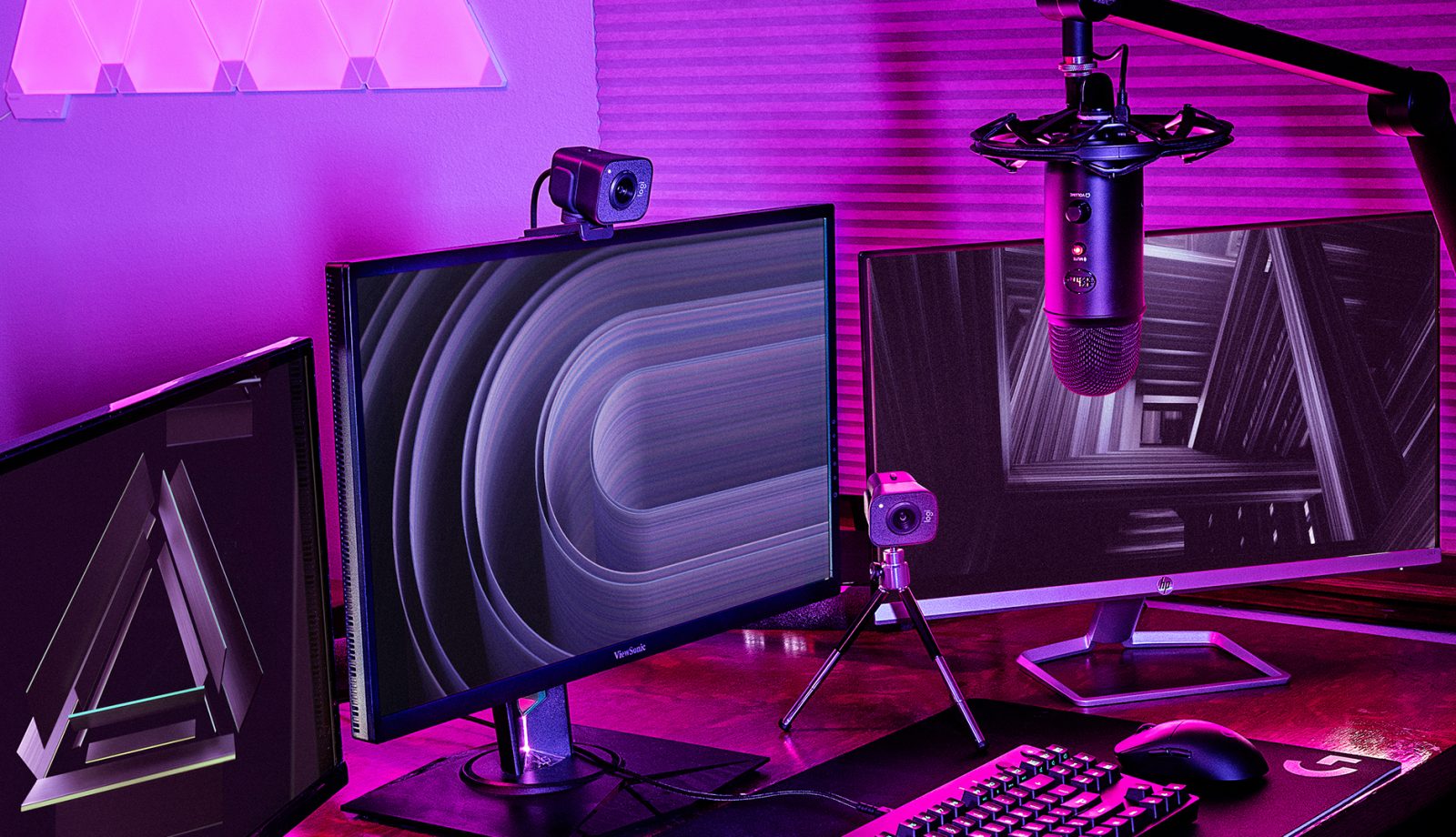
If you search online for “streaming setup,” you’ll often see rooms filled with RGB lights, multiple monitors, high-end PCs, and expensive microphones. This creates the illusion that you need thousands worth of gear just to start streaming.
The truth is simpler: successful streaming depends more on stability, consistency, and audio quality than raw performance. Many streamers overspend on parts that don’t actually improve stream quality while ignoring components that matter far more.
This article explains what hardware streamers actually need, what’s optional, and what you should prioritize depending on your goals.
🧠 The Three Things That Matter Most for Streaming
Before diving into parts lists, understand this rule:
🔑 Streaming quality is driven by:
-
Stable performance (no dropped frames)
-
Clean audio
-
Consistent frame delivery
Viewers will forgive average graphics. They won’t forgive laggy streams or bad sound.
🖥️ 1. The Streaming PC (CPU vs GPU Reality)
Do Streamers Need a Powerful CPU?
Yes — but not in the way most people think.
The CPU handles:
-
Game logic
-
OBS/streaming software
-
Encoding (if using CPU encoding)
-
Background tasks
For single-PC streaming, the CPU must be strong enough to run the game and the stream at the same time.
What CPU streamers actually need:
-
6 cores / 12 threads minimum
-
Strong single-core performance
-
Modern architecture
Good examples:
-
Ryzen 5 / Intel i5 class CPUs
-
Ryzen 7 / Intel i7 for heavier workloads
More cores help with multitasking, but raw core count beyond 8 often has diminishing returns for most streamers.
Do Streamers Need a Powerful GPU?
Yes — especially if gaming.
The GPU handles:
-
Game rendering
-
Hardware encoding (NVENC / AV1)
-
High refresh rate gameplay
Modern streamers usually rely on GPU encoding, not CPU encoding.
Why?
-
It’s more efficient
-
Lower performance impact
-
Better stability
What GPU streamers actually need:
-
A modern GPU with hardware encoder support
-
Enough performance to run the game comfortably
For most streamers:
-
Mid-range GPUs are enough
-
You don’t need top-tier cards unless you stream at very high resolutions or settings
🎮 2. Hardware Encoding: The Game Changer
One of the biggest advances in streaming hardware is dedicated GPU encoders.
GPU Encoding (NVENC / AV1)
Modern GPUs include built-in encoders that:
-
Handle video compression
-
Reduce CPU load
-
Deliver consistent stream quality
This means:
-
You can stream and game on one PC
-
You don’t need a dual-PC setup
-
Stream quality stays stable under load
Why this matters:
Without hardware encoding, your CPU must do everything — leading to stutters, dropped frames, and overheating.
For most streamers in 2025, hardware encoding is essential, not optional.
💾 3. RAM: How Much Do Streamers Really Need?
RAM is often overlooked.
Minimum:
-
16GB RAM
Recommended:
-
32GB RAM for smoother multitasking
Streaming uses RAM for:
-
Game assets
-
OBS
-
Browser sources
-
Chat bots
-
Overlays
-
Background apps
If you stream and run Chrome, Discord, and music in the background, 16GB can be tight.
RAM speed matters:
-
Dual-channel configuration
-
Modern speeds (DDR4 3200+ / DDR5 5600+)
💽 4. Storage: Why SSDs Matter for Streaming
Streaming doesn’t require huge storage speeds — but your PC does.
Why SSDs are essential:
-
Faster boot times
-
Instant program launches
-
Faster game loading
-
Smooth recording to disk
What streamers actually need:
-
SSD for OS and games
-
Extra space for VODs and clips
Many streamers use:
-
SSD for active work
-
HDD or external drive for archives
Avoid recording directly to slow hard drives while streaming — this can cause stutters.
🎙️ 5. Audio: The Most Important Upgrade
Viewers will tolerate low graphics. They won’t tolerate bad audio.
What matters most for audio:
-
Clear voice
-
No background noise
-
Consistent volume
What streamers actually need:
-
A decent microphone
-
Proper positioning
-
Basic audio filters
USB vs XLR Microphones
-
USB mics are simpler and perfectly fine for most streamers
-
XLR setups offer more control but cost more and require interfaces
Good audio matters more than camera quality.
📷 6. Camera: Optional, But Helpful
You don’t need a camera to stream — many successful streamers don’t use one.
If you do use a camera:
-
1080p is enough
-
60fps is optional
-
Lighting matters more than camera quality
A good light with an average camera beats a great camera in poor lighting.
🌐 7. Internet Connection: The Hidden Requirement
Your PC can be perfect — bad internet ruins everything.
What streamers actually need:
-
Stable upload speed
-
Low packet loss
-
Consistent connection
Streaming bitrates aren’t huge, but stability matters more than speed.
Wired Ethernet is strongly recommended.
🖥️ 8. Monitors: How Many Do You Need?
You can stream on one monitor — but two is better.
Ideal setup:
-
Main monitor: game
-
Second monitor: OBS, chat, alerts
High refresh rate monitors are nice for gaming, but don’t affect stream quality.
❄️ 9. Cooling & Stability
Streaming pushes your system for long periods.
What streamers actually need:
-
Good airflow
-
Reliable cooling
-
Stable temperatures
Thermal throttling causes:
-
Dropped frames
-
Stream instability
-
Crashes mid-stream
You don’t need exotic cooling — just adequate cooling.
🔌 10. Power Supply: Stability Over Wattage
A bad PSU can ruin streams.
Streamer PSU needs:
-
Quality brand
-
Enough headroom
-
Stable voltage delivery
Random shutdowns during a stream are a nightmare.
🧩 What Streamers Don’t Actually Need
Let’s clear some myths.
❌ You don’t need:
-
A $4,000 PC
-
Dual-PC setup (for most people)
-
64GB RAM
-
4K streaming
-
Custom water cooling
-
RGB everything
These are luxuries, not requirements.
🧠 Single-PC vs Dual-PC Streaming
Single-PC (Most Streamers)
-
Simpler
-
Cheaper
-
Modern hardware handles it easily
Dual-PC (Advanced / Professional)
-
One PC games
-
One PC encodes
-
Used by high-end competitive streamers
For 90% of creators, single-PC streaming is the best choice.
🛠️ Example “Realistic” Streamer Hardware Tiers
Beginner Streamer
-
6-core CPU
-
Mid-range GPU with hardware encoding
-
16GB RAM
-
SSD
-
USB microphone
Growing Streamer
-
8-core CPU
-
Strong GPU
-
32GB RAM
-
Multiple SSDs
-
Better mic + lighting
Professional Streamer
-
High-end CPU
-
Top-tier GPU
-
32–64GB RAM
-
Dual-PC or advanced setup