

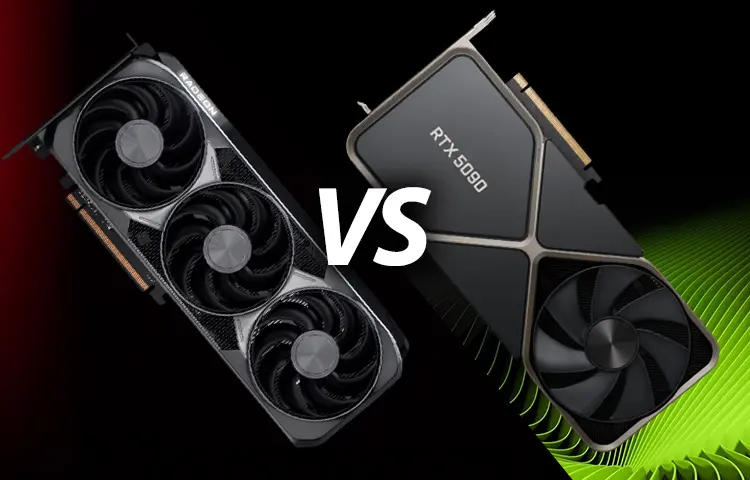
Choosing between NVIDIA and AMD graphics cards is one of the biggest decisions when building a gaming PC in 2025. Both brands offer powerful GPUs, but they differ in performance, features, efficiency, and price. Some users swear by NVIDIA’s AI tech and driver reliability, while others love AMD’s price-to-performance value and strong rasterization power.
This guide breaks down the real differences between NVIDIA and AMD so you can choose the best GPU for gaming, productivity, streaming, or professional workloads.
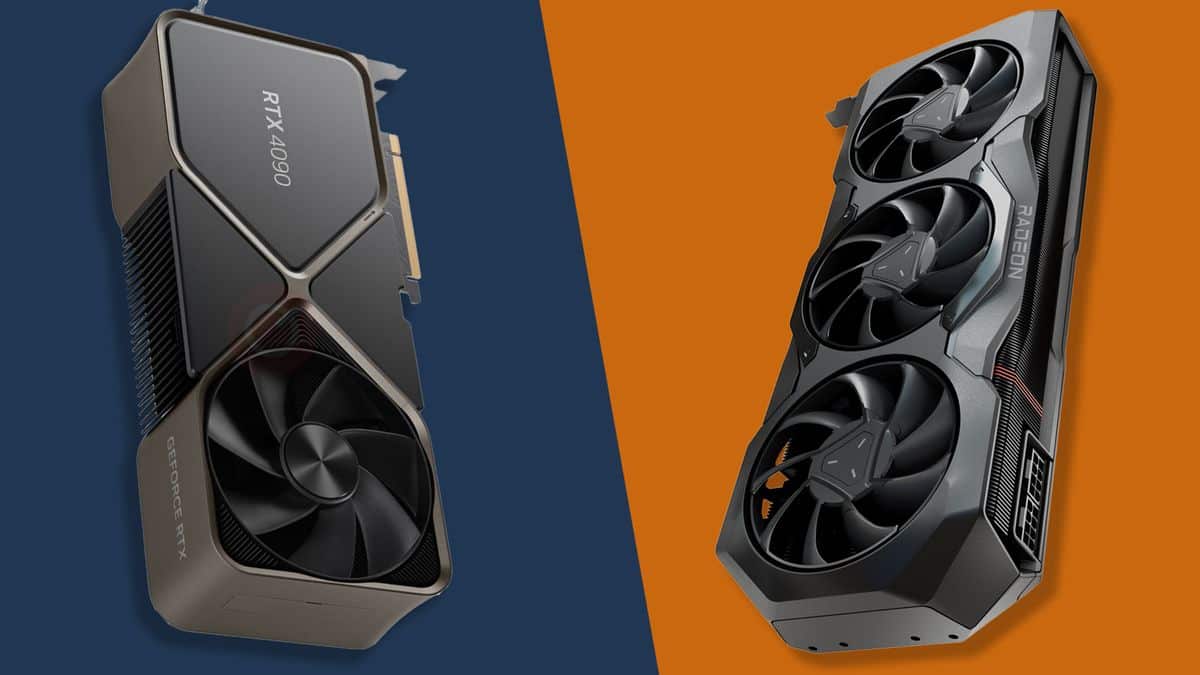
🎮 1. Gaming Performance: NVIDIA vs AMD
🟩 NVIDIA Gaming Performance
NVIDIA has traditionally dominated gaming performance, especially at the high end. Their current GPUs (like RTX 4070, 4080, 4090, and upcoming 50-series cards) excel in:
-
Ray tracing
-
DLSS upscaling + frame generation
-
Stable high FPS at 1440p and 4K
-
Strong 1% lows and frametime consistency
NVIDIA also tends to perform better in games built with:
-
Unreal Engine 5
-
Heavy ray-tracing workloads
-
DLSS-optimized builds
High-end NVIDIA GPUs often win in demanding AAA titles.
🔴 AMD Gaming Performance
AMD Radeon GPUs (RX 7600, 7700 XT, 7800 XT, 7900 XTX) lead in raw rasterization performance per dollar.
Strengths include:
-
Excellent performance at 1080p and 1440p
-
Very strong price-to-FPS ratio
-
Lower-cost VRAM configurations (often 16GB vs NVIDIA’s 12GB)
-
Efficiency improvements in RDNA 3 and upcoming RDNA 4
In pure rasterized gaming (no ray tracing), AMD GPUs often outperform NVIDIA at the same price tier.
🏆 Gaming Winner (Without Ray Tracing): AMD
🏆 Gaming Winner (With Ray Tracing + AI Tech): NVIDIA
This is the biggest split between the brands.
💡 2. Ray Tracing: NVIDIA Is Still the King
Ray tracing is where AMD simply cannot compete at the same level.
🟩 NVIDIA Ray Tracing Advantages
-
Dedicated RT cores for ray tracing
-
Much higher ray-traced FPS
-
DLSS boosts performance even further
-
Better stability when enabling multiple RT effects
Even mid-range RTX cards outperform high-end AMD cards in RT-heavy titles.
🔴 AMD Ray Tracing Limitations
AMD has improved ray tracing since RDNA 3, but still:
-
Lags behind NVIDIA by 20–40% in RT performance
-
Struggles most at 4K with ray tracing
-
Relies on FSR, which is improving but not as sharp as DLSS
If you want to play Cyberpunk 2077, Metro Exodus, or Alan Wake II with ray tracing enabled, NVIDIA is the clear winner.
🏆 Ray Tracing Winner: NVIDIA (by far)
🤖 3. Upscaling & AI Tech: DLSS vs FSR
Upscaling and frame generation are now a big part of modern gaming.
🟩 NVIDIA DLSS 2 / DLSS 3
NVIDIA’s upscaling tech is more mature and delivers:
-
Sharper visuals
-
Better ghosting control
-
Higher framerates
-
Frame Generation on RTX 40/50-series cards
DLSS Frame Generation can DOUBLE or TRIPLE FPS in supported games.
🔴 AMD FSR 2 / FSR 3
FSR works on all GPUs — NVIDIA, AMD, and even consoles. Pros:
-
Open source
-
Wide compatibility
-
FSR 3 frame generation support on many GPUs
But FSR typically:
-
Has blurrier upscaling than DLSS
-
Shows more artifacts in fast-moving scenes
-
Requires more tweaking for optimal quality
FSR is improving rapidly, but DLSS still leads.
🏆 Upscaling + AI Winner: NVIDIA
🧪 4. Productivity & Content Creation
For rendering, video production, 3D modeling, and AI workloads, usage differs a lot.
🟩 NVIDIA for Productivity
-
CUDA cores dominate machine learning
-
Blender Cycles performs much faster
-
Stable drivers for professional workloads
-
Superior support in Adobe Premiere, DaVinci Resolve, and AI workflows
-
RTX compute APIs used widely in 3D rendering tools
If you do:
-
Video editing
-
AI/ML
-
Blender rendering
-
Architectural visualization
-
Game development
NVIDIA is unquestionably the better choice.
🔴 AMD for Productivity
AMD performs well in:
-
Raster rendering
-
Open-source frameworks
-
Budget-conscious Creator PCs
But AMD lacks:
-
CUDA acceleration
-
Broad industry support
-
High-performance AI compute
🏆 Productivity Winner: NVIDIA
⚡ 5. Power Efficiency
🟩 NVIDIA
NVIDIA’s Ada Lovelace architecture (RTX 40-series) is extremely power efficient, especially the RTX 4070 and 4060 Ti.
Pros:
-
Low temperatures
-
Low power consumption
-
Smaller PSUs acceptable
🔴 AMD
AMD’s RX 7600 and 7800 XT have improved efficiency, but:
-
RX 7900 XT/XTX still consume more power
-
Mid-range cards are solid but not market-leading
NVIDIA wins slightly here, but AMD is competitive in the midrange.
🏆 Winner: NVIDIA, narrowly
💸 6. Price-to-Performance Ratio
🔴 AMD Crushes NVIDIA in Value
This has always been AMD’s strongest advantage.
AMD usually offers:
-
More VRAM for the money
-
Higher FPS per dollar in rasterized games
-
Lower overall GPU cost
-
Better deals in the $200–$400 GPU range
Example:
-
RX 7800 XT often beats RTX 4070 in raster at a lower price
-
RX 7600 vs RTX 4060 — AMD wins in raw FPS per dollar
If you’re not doing ray tracing or AI workloads, AMD gives the better deal.
🟩 NVIDIA Pricing Weak Points
NVIDIA cards tend to be:
-
More expensive
-
Lower VRAM at each tier
-
Priced for premium buyers
🏆 Price/Value Winner: AMD
⚙️ 7. Drivers, Software, and Stability
🟩 NVIDIA
Drivers are considered:
-
Stable
-
Well-tested
-
Updated consistently
-
Great for both games and professional apps
GeForce Experience adds:
-
ShadowPlay
-
Game optimization
-
Driver auto-updates
🔴 AMD
AMD has improved massively since 2020.
Adrenalin software offers:
-
Better user interface than NVIDIA
-
In-driver overclocking
-
Radeon Boost, Anti-Lag, FSR, tuning tools
But historically:
-
Driver bugs appear more often
-
New GPUs sometimes have launch-day issues
Today, AMD drivers are good, but NVIDIA still leads in long-term stability.
🏆 Driver Winner: NVIDIA
🧩 8. Which Brand Should YOU Choose?
Now that we’ve compared everything, here’s the simple recommendation.
✔ Choose NVIDIA if you want:
-
Best ray tracing
-
Best upscaling (DLSS 3 + Frame Gen)
-
Best for AI and productivity
-
Best high-end 4K performance
-
Most efficient GPUs
-
Best driver stability
Best choices:
-
RTX 4060 (mid-range)
-
RTX 4070 Super (1440p sweet spot)
-
RTX 4080 Super / RTX 4090 (4K ultra-high-end)
✔ Choose AMD if you want:
-
Best price-to-performance
-
More VRAM per dollar
-
Strong raster performance
-
Great mid-range value
-
Wide FSR support
-
Better performance in many eSports games
Best choices:
-
RX 7600 (entry-level)
-
RX 7700 XT (1080p/1440p)
-
RX 7800 XT (best value 1440p)
-
RX 7900 XTX (NVIDIA 4080 competitor)
🏆 Final Verdict: NVIDIA vs AMD in 2025
🎮 Best for Gaming → Depends on use case
-
Raster performance: AMD wins
-
Ray tracing + upscaling: NVIDIA wins
🎥 Best for Content Creation → NVIDIA
💸 Best for Budget / Value → AMD
🔥 Best High-End 4K Gaming → NVIDIA (RTX 4080/4090)
🧠 Best Mid-Range GPU Option Overall →
AMD RX 7800 XT or NVIDIA RTX 4070 Super, depending on your priorities.
🎯 Simple Rule:
If you want the highest FPS per dollar, choose AMD.
If you want the best visual quality and future tech, choose NVIDIA.